

Play Lounge Check-in
Run your door from your phone.
Scan guest tickets, track attendance and manage door staff from one app, built for Play Lounge hosts and their teams.


- iOS & AndroidAvailable on both platforms
- QR check-inScan each guest’s QR code
- Live guest countsSee who has arrived
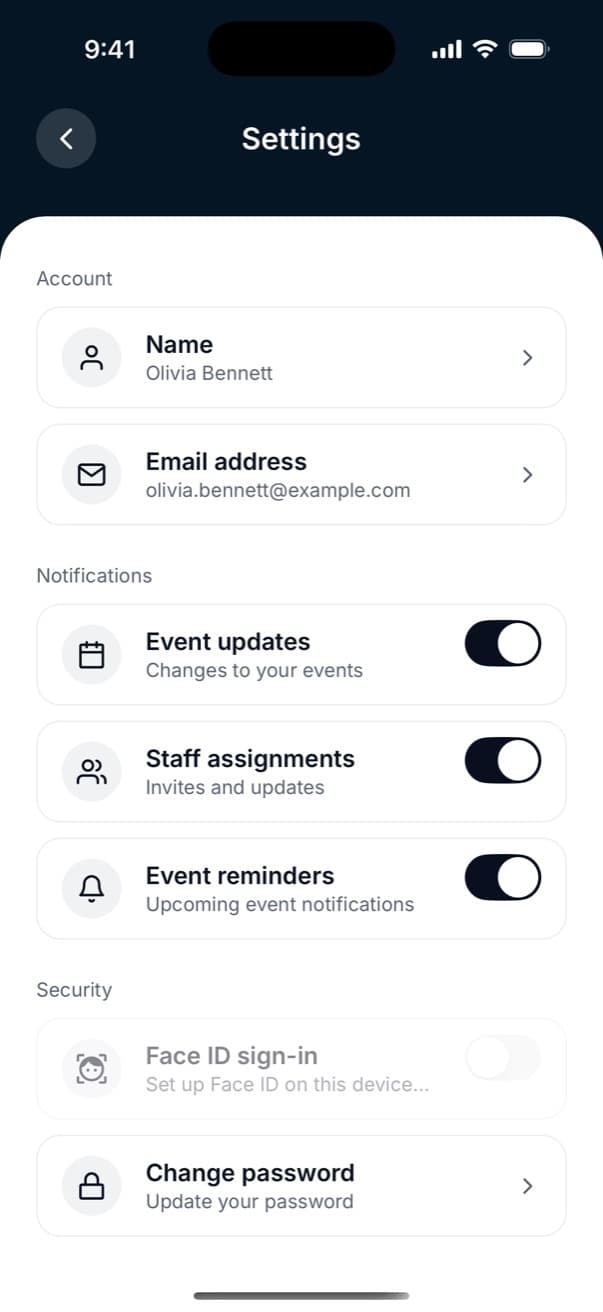
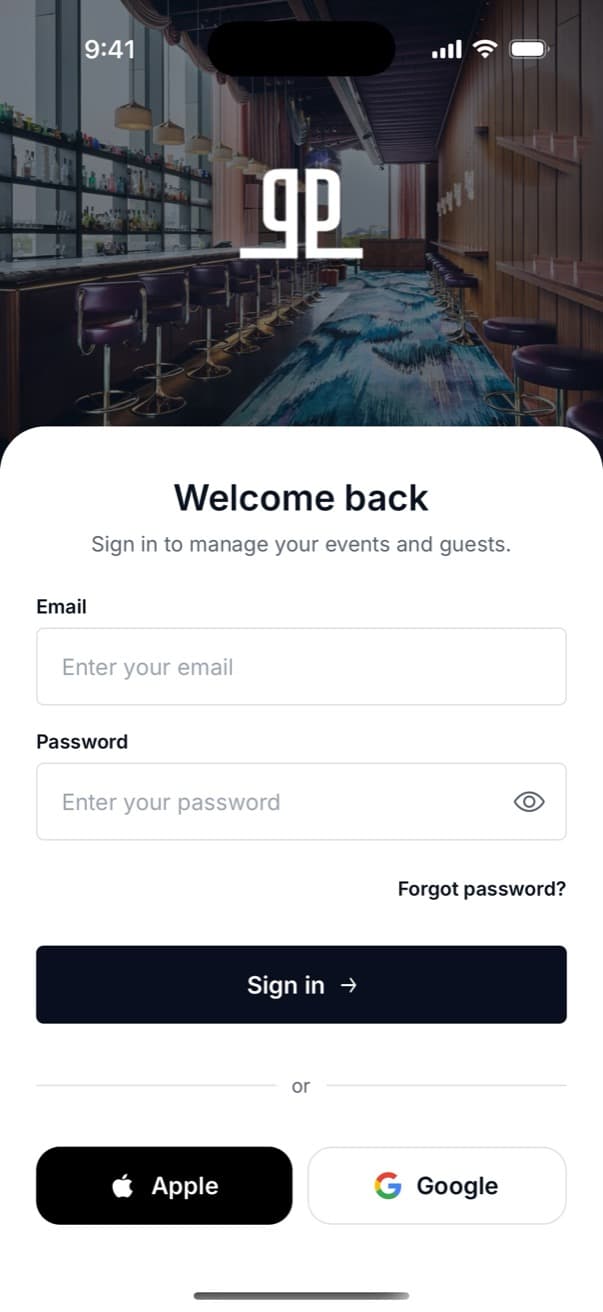
- Biometric sign-inQuick, secure access
Key features
What you can do with the app
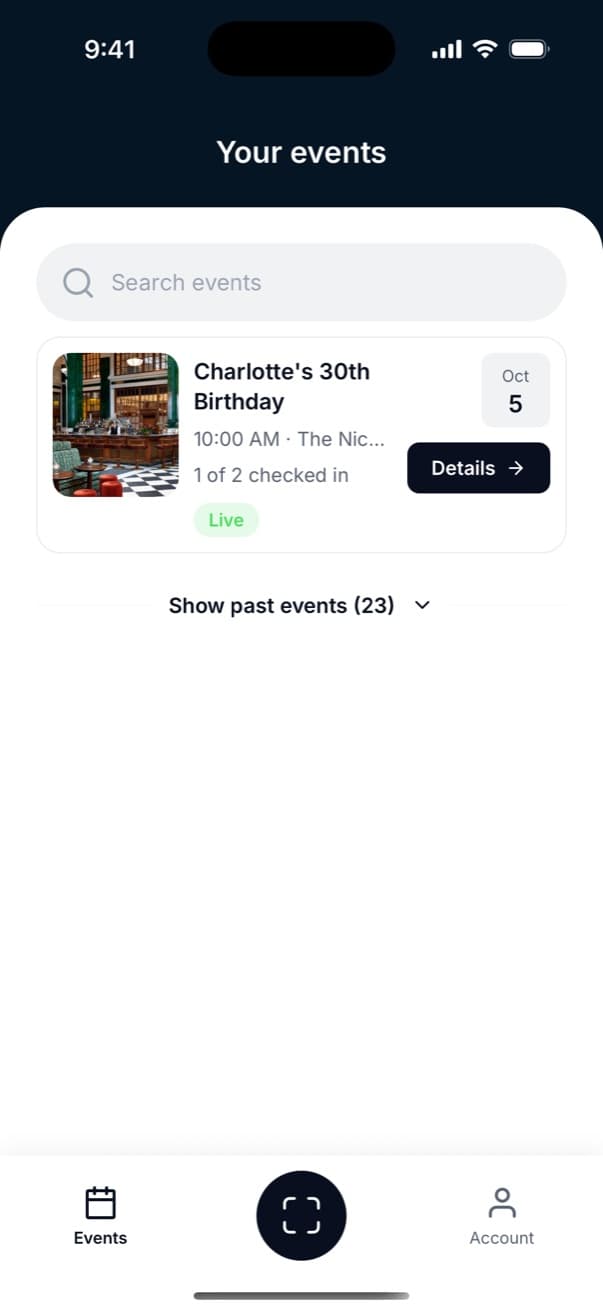
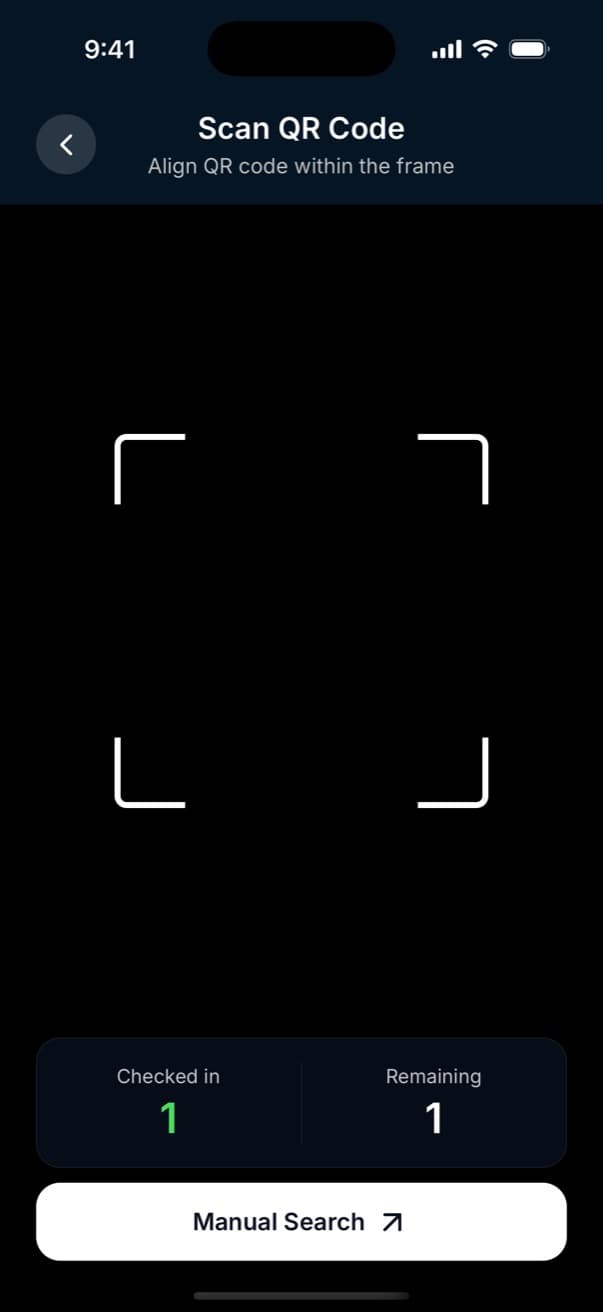
Scan QR tickets
Check guests in instantly with QR scanning and keep the door moving smoothly.
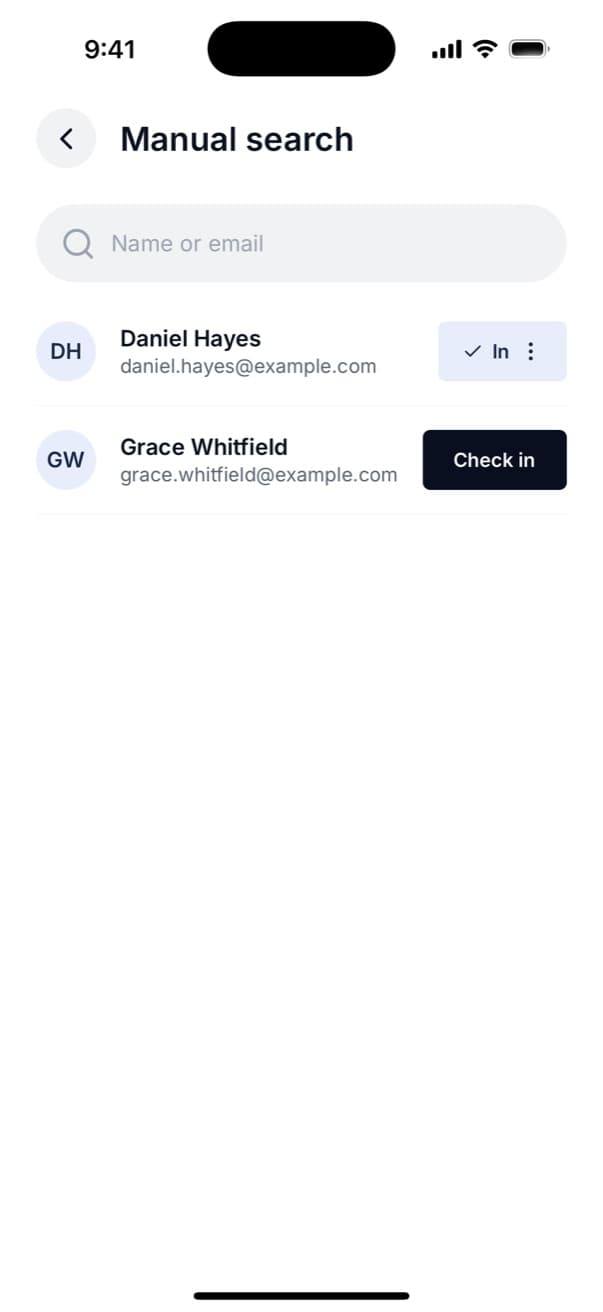
Manual search
Find guests quickly by name or email and check them in without slowing down entry.
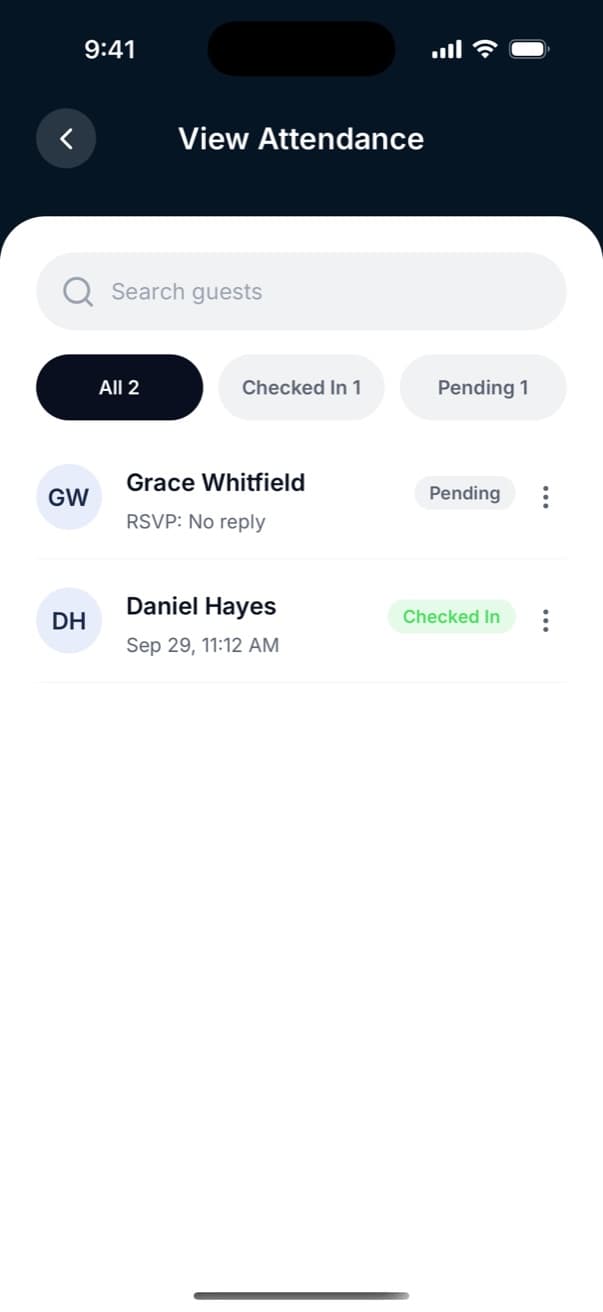
Live attendance
See who’s arrived, who’s still pending and how attendance is progressing in real time.
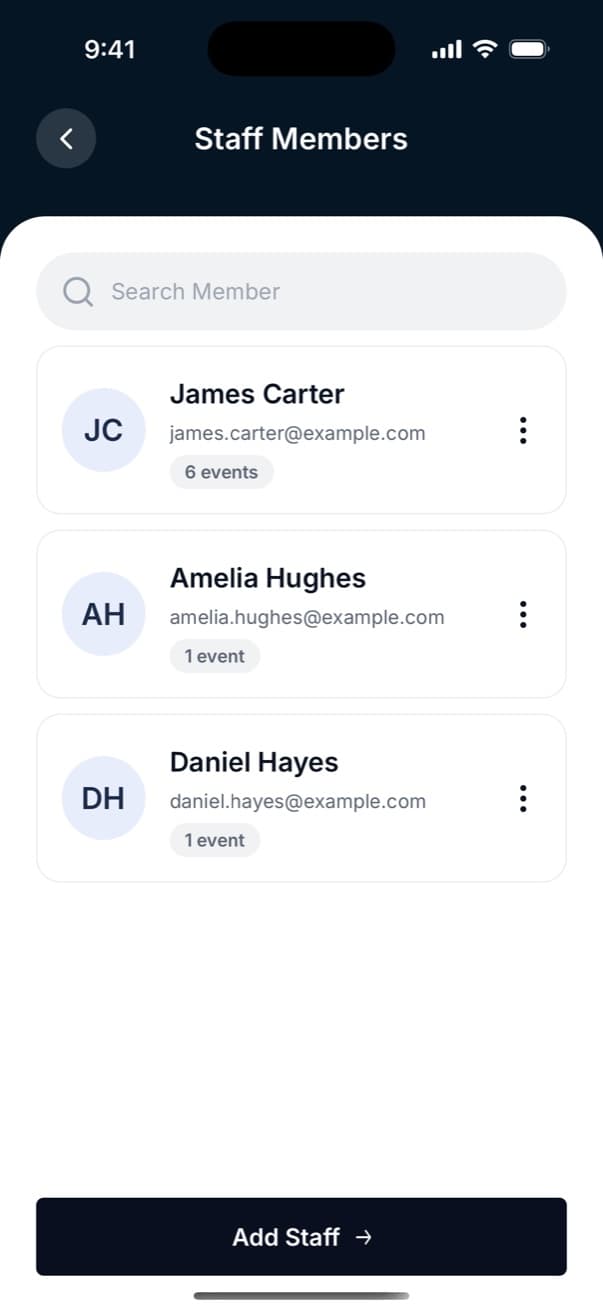
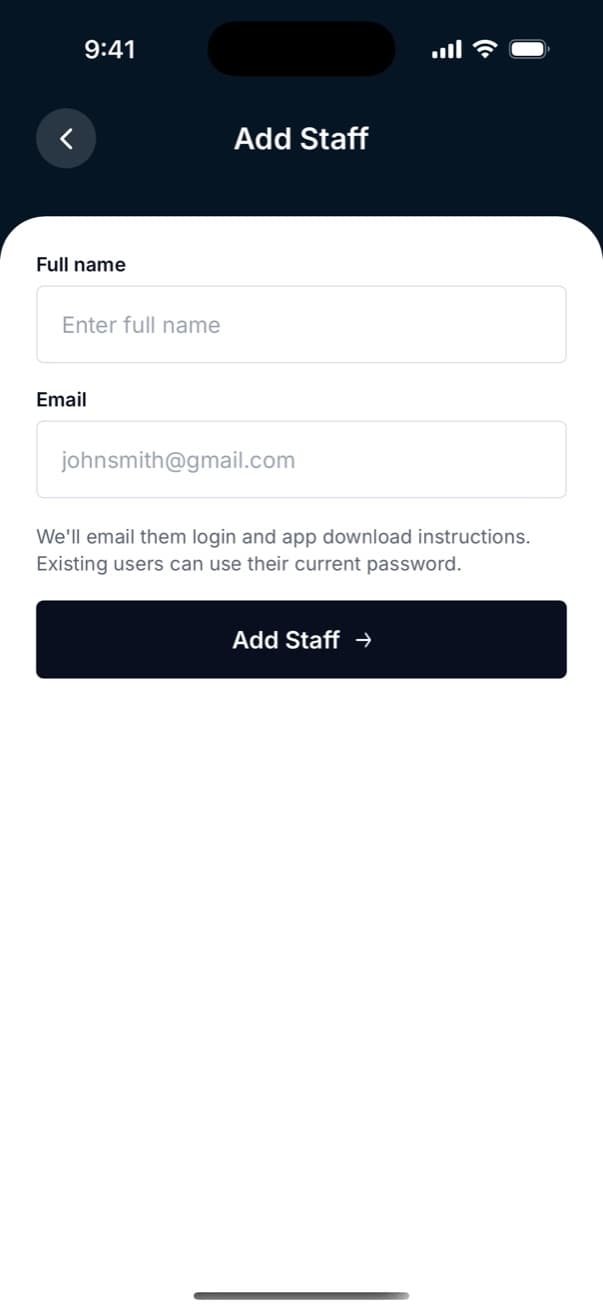
Staff management
Assign door staff to events and keep your team organised from one place.
Check guests in with one scan
Staff open the event, scan the guest’s QR code and get an instant result. Each outcome has its own colour and sound, helping staff move quickly and keep their focus on the queue.
Scan QR Code
Align QR code within the frame

Grace Whitfield
Let them in.
Checked in
41
Remaining
79
On the night
Keep track of your event on the night
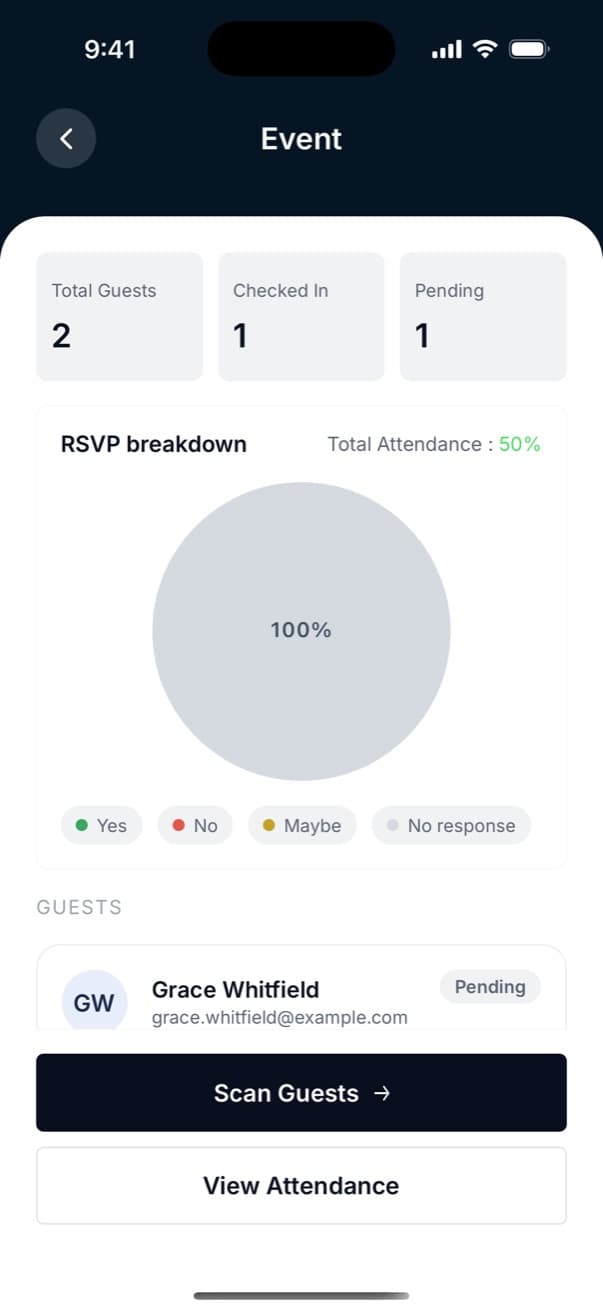
RSVP breakdown
Know who’s attending, who’s declined and who still needs to respond.
Guest totals
See exactly how your event is progressing with live checked-in and pending guest counts.
Sound for every scan
Keep the queue moving with instant audio feedback for every scan result.
Scan guests
Start checking guests in instantly, straight from the event page.
All your events
Keep live, upcoming and past events organised in one place.
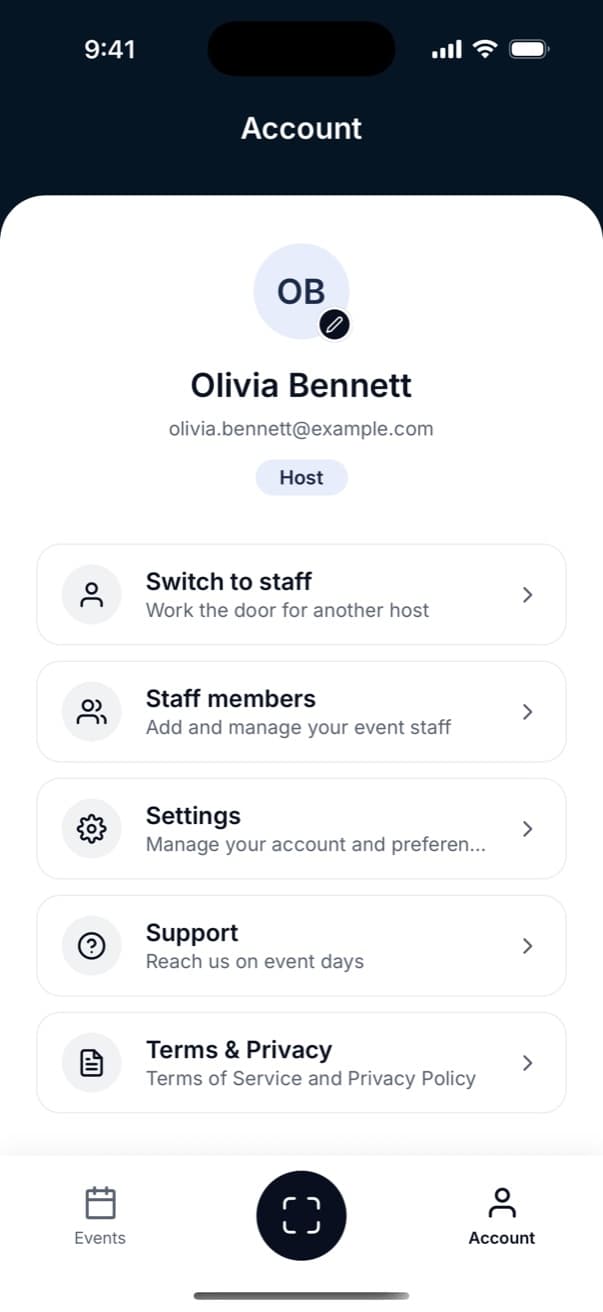
Account settings
Manage your profile, security and preferences whenever you need to.
AVAILABLE ON iOS & ANDROID
Get your team ready before doors open
App screenshots
Inside the app
FAQ
Frequently asked questions
Who is the app for?
Play Lounge is for hosts running events and the staff they assign to manage guest check-in. Hosts can manage events and teams, while staff can view assigned events and check guests in.
How do my staff get access?
Add staff through the app or your Play Lounge dashboard. They’ll receive an email with login details and download instructions. Existing Play Lounge users can sign in with their current account.
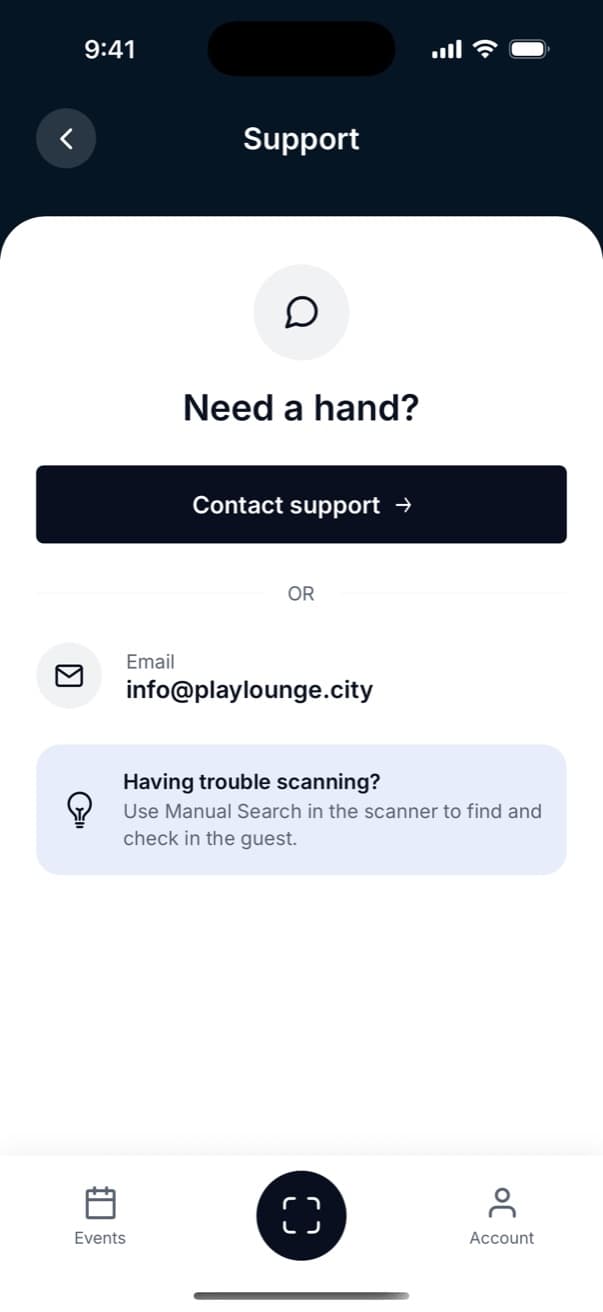
What if a guest's QR code won't scan?
Use Manual Search to find the guest by name or email and check them in manually.
Can I work the door for another host?
Yes. If another host adds you to their team, you can switch to Staff mode and access the events you’ve been assigned to.
Which phones are supported?
Play Lounge is available on iPhone and Android through the App Store and Google Play.
Get the app on your phone
Scan the QR code for your device to open the App Store or Google Play, then sign in with your Play Lounge account.Download it for iPhone or Android, then sign in with your Play Lounge account.